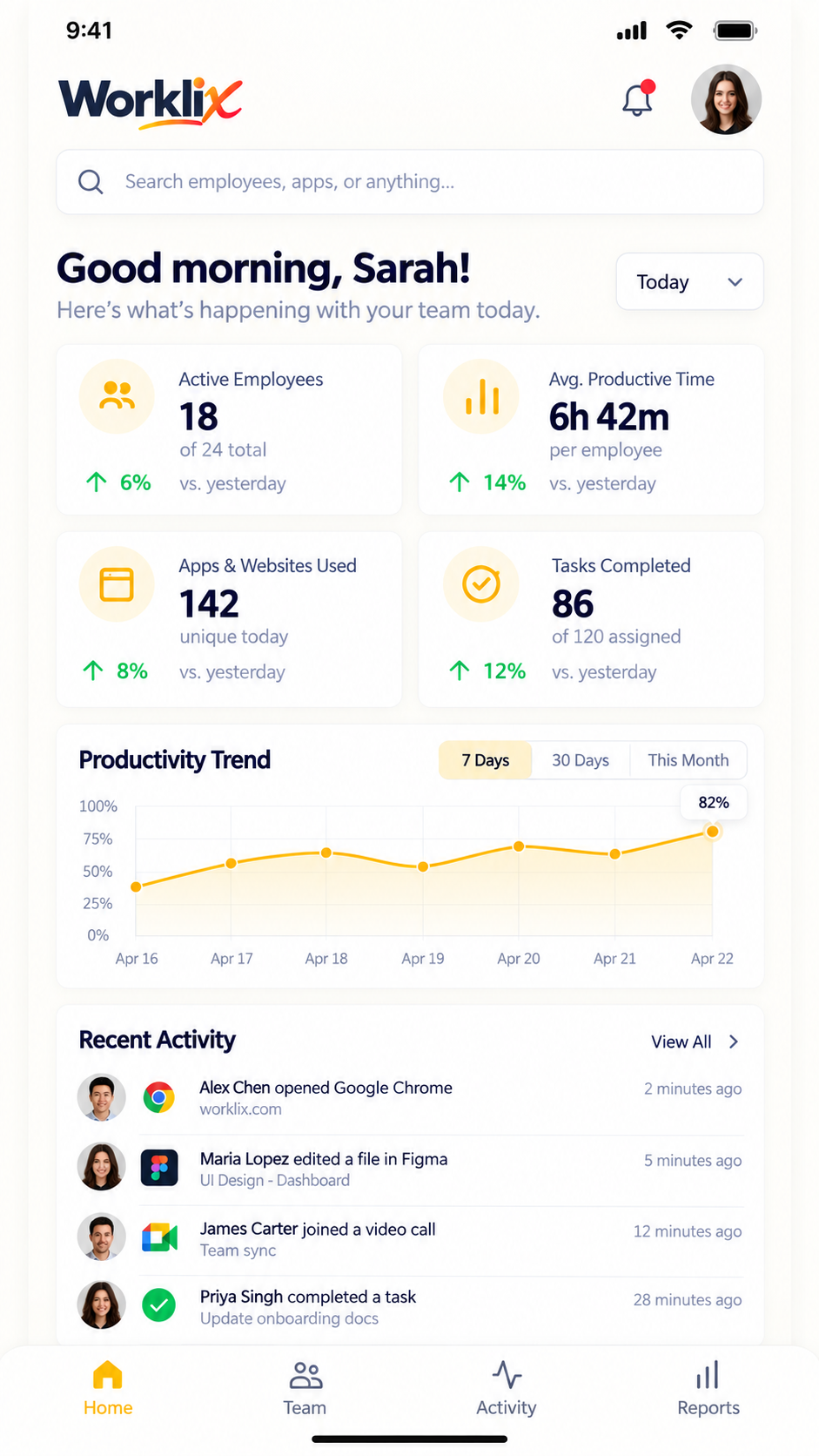
Faster workspace onboarding
A clearer first-run setup now guides admins through workspace basics, employee invites, tracking choices and permissions without bouncing between settings.
More detailsNew Worklix brings monitoring, time tracking and collaboration into one workforce platform.
See pricing
See what changed, why it matters and where each update fits into the Worklix workflow.
A clearer first-run setup now guides admins through workspace basics, employee invites, tracking choices and permissions without bouncing between settings.
More details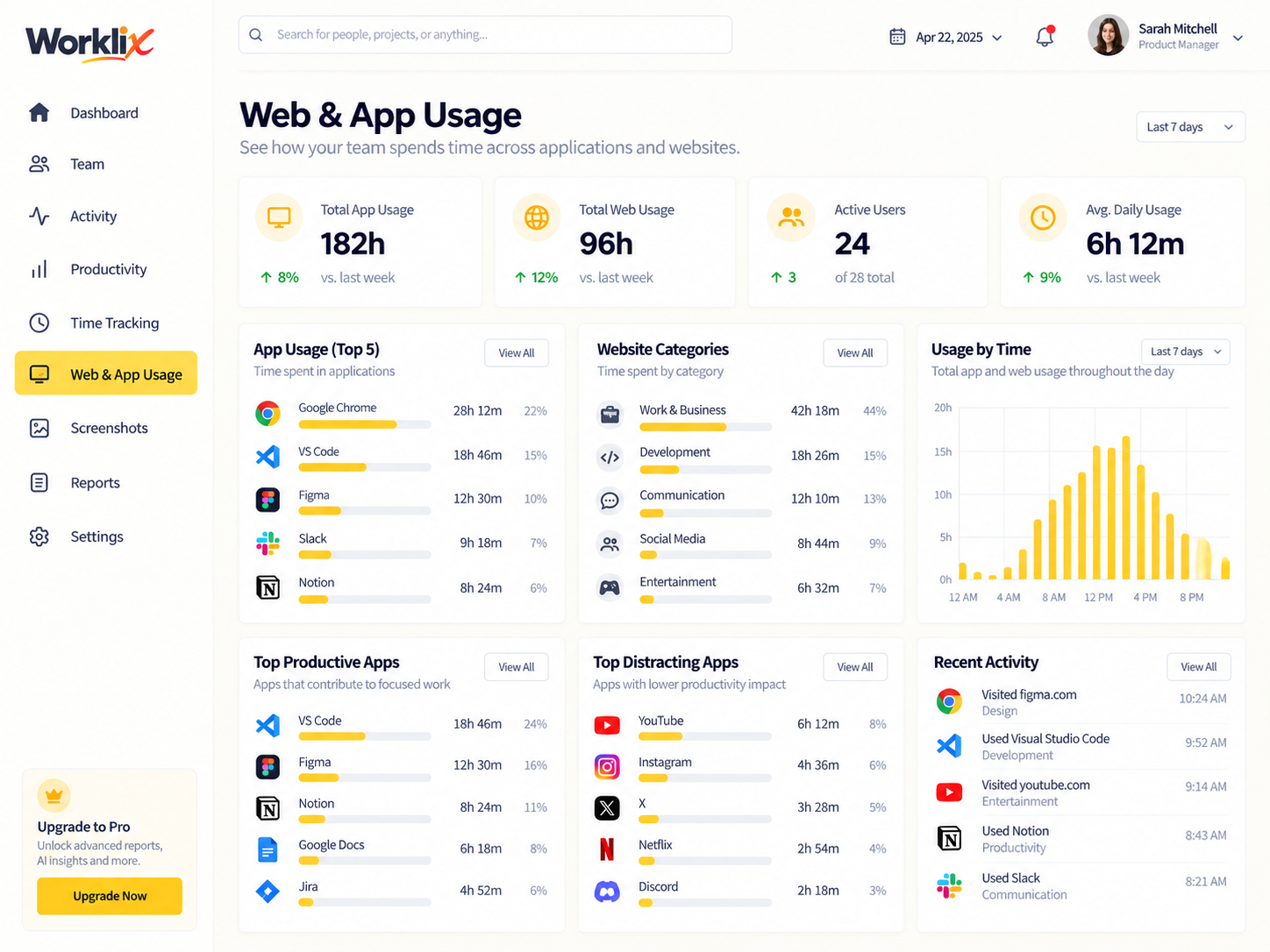
Admins can review multiple activity items together and update productivity categories in fewer steps across departments and roles.
More details
Late starts, missing hours, overtime and schedule mismatches now surface in one review flow so managers can resolve exceptions before payroll closes.
More details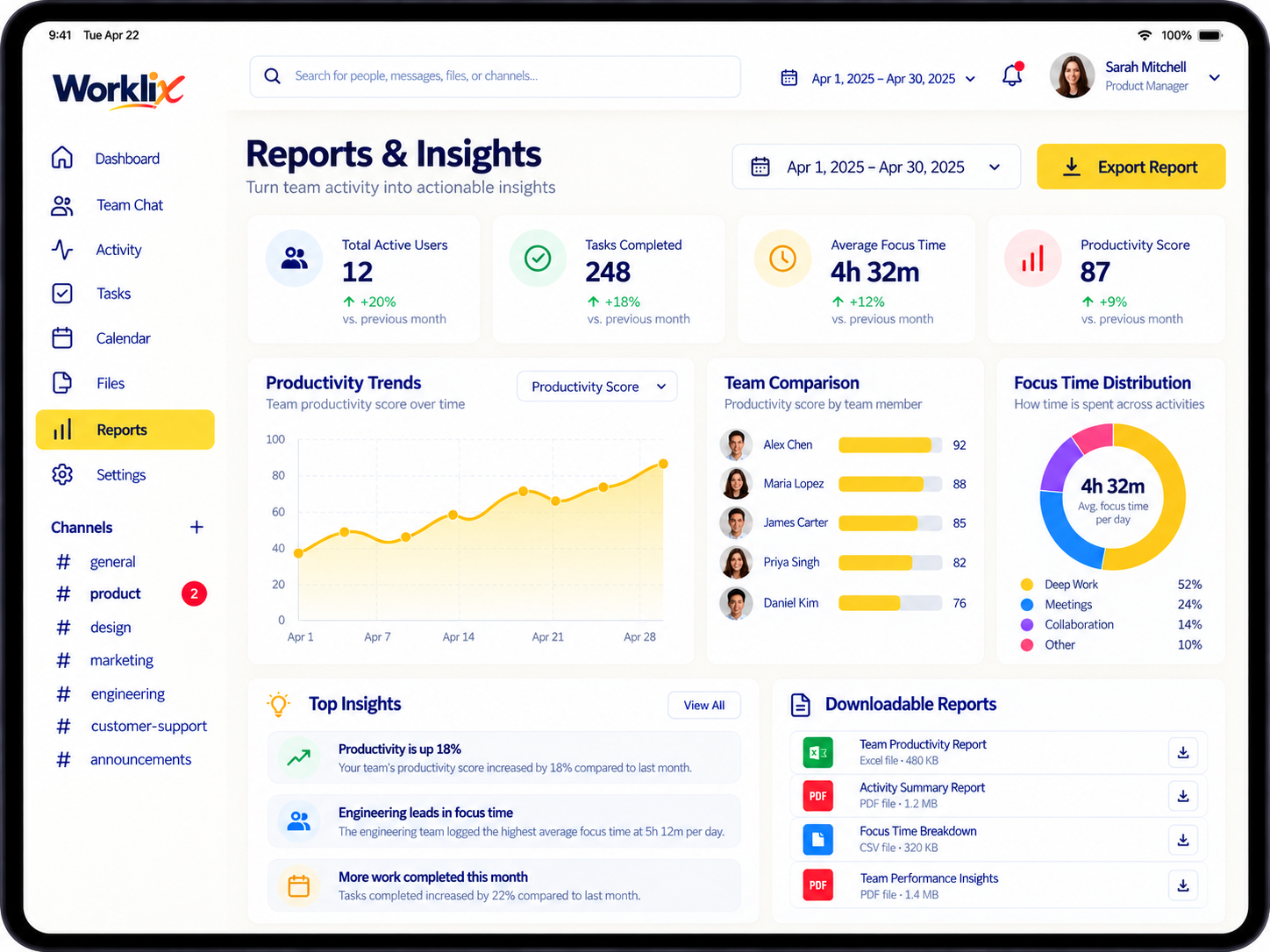
Exports now keep core workforce fields easier to scan, with more consistent date, employee, project and attendance context across downloaded reports.
More details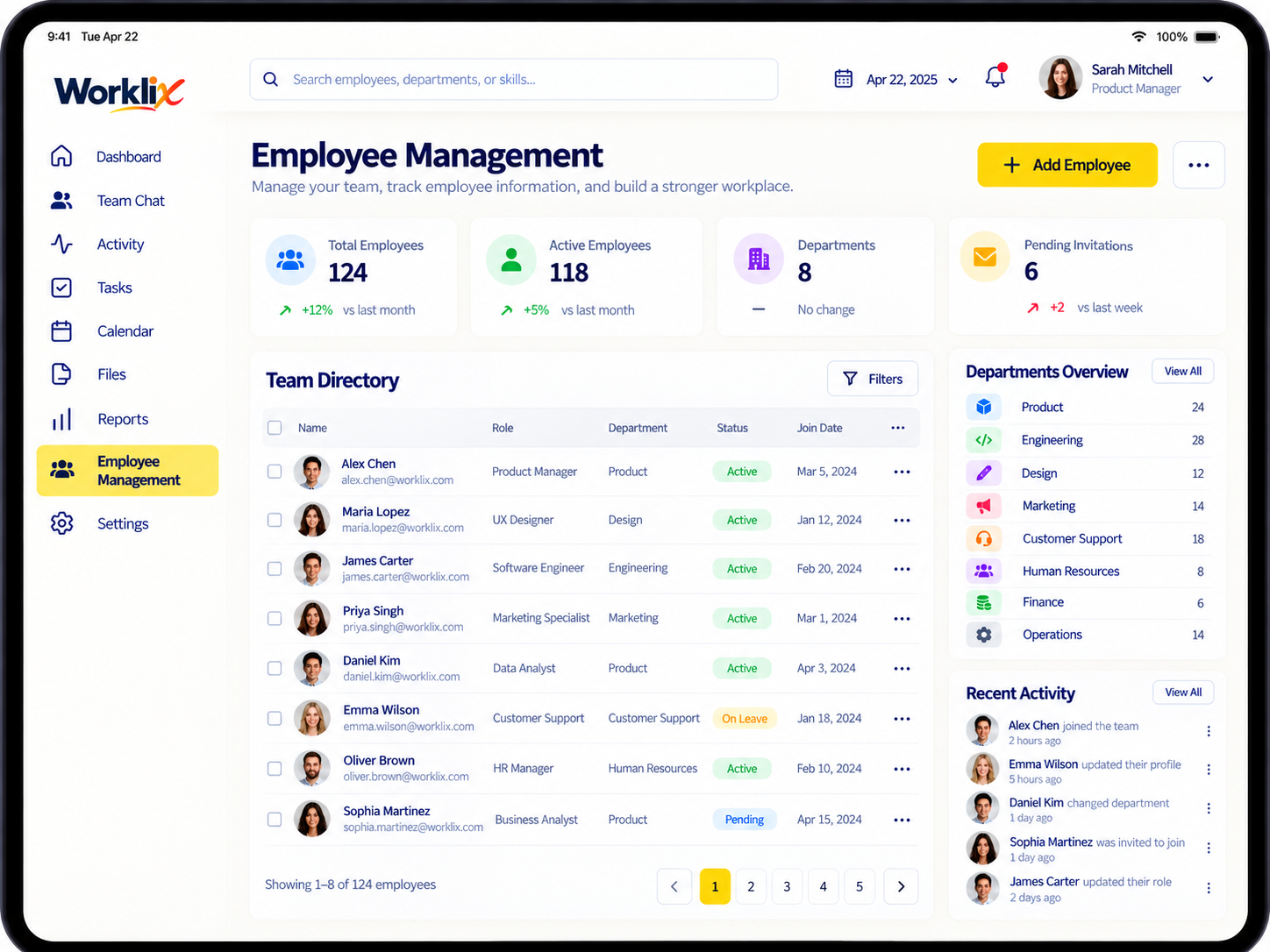
Access controls are easier to review by responsibility, helping teams keep workforce visibility limited to the managers who actually need it.
More details
Schedule planning now makes expected hours, shift coverage and attendance context easier to read before the workweek begins.
More details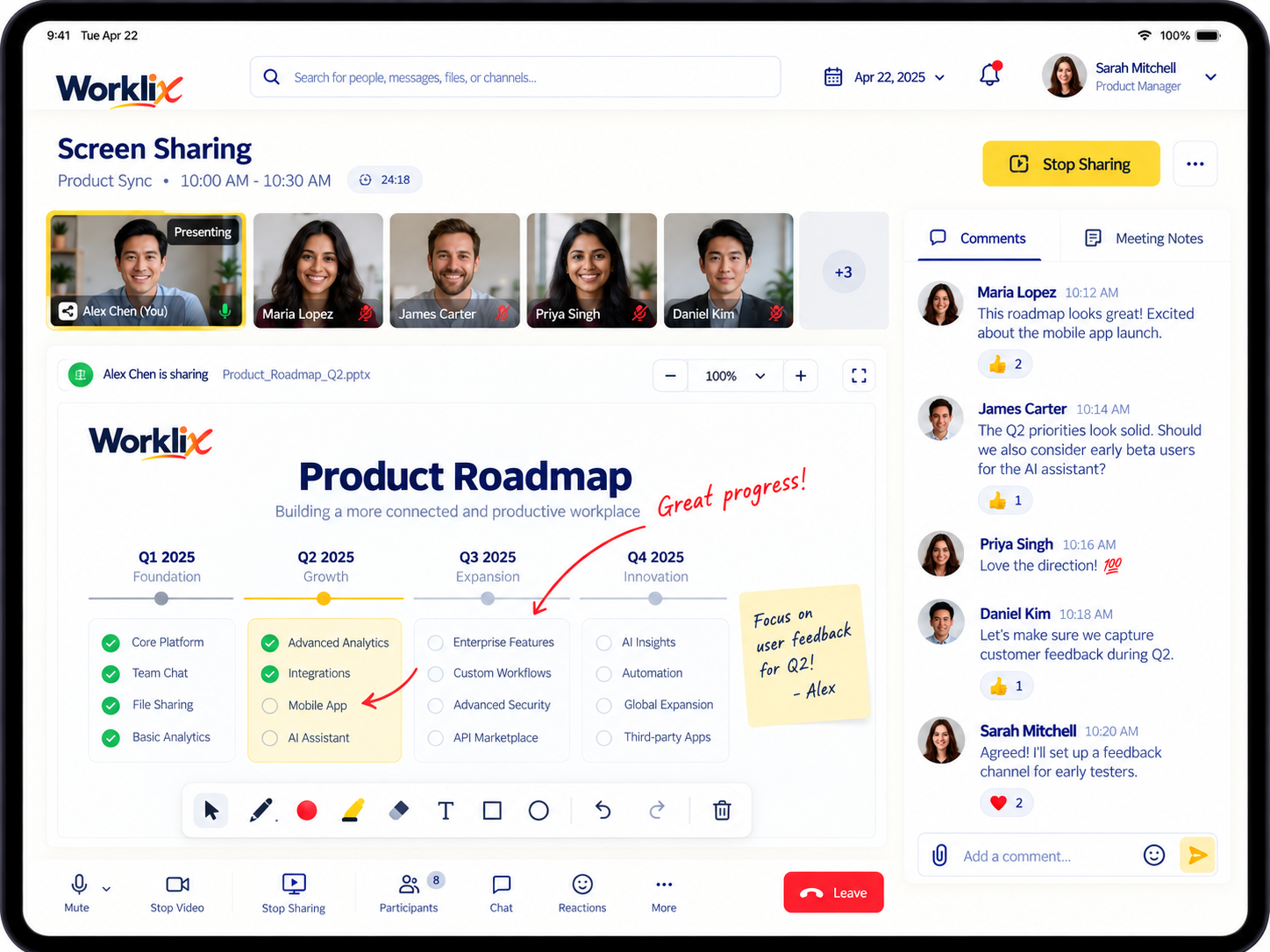
Admins can review registered devices, ownership and recent status in one place before deciding whether a device needs attention or replacement.
More details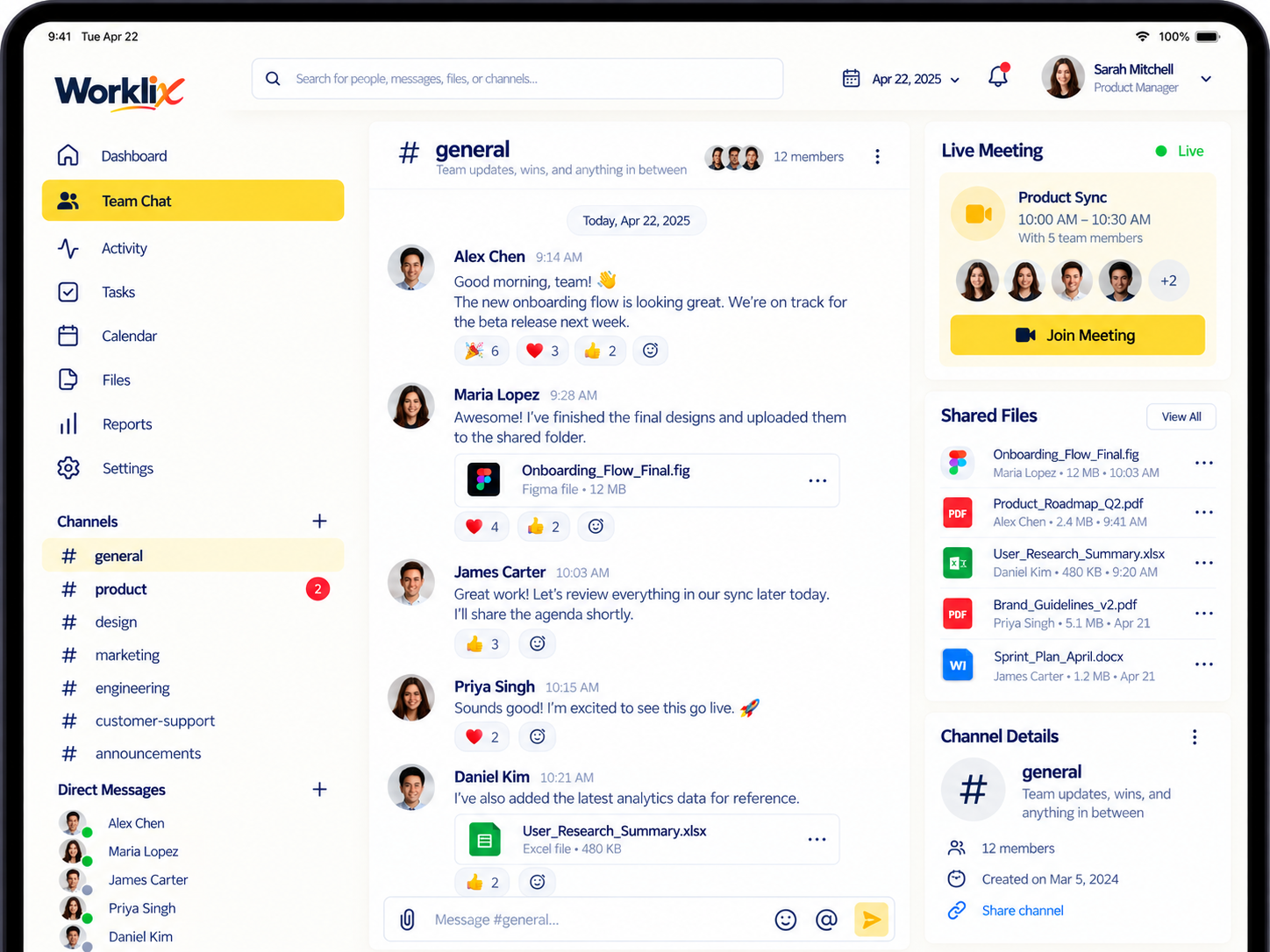
Team Chat navigation now makes it easier to move between direct messages and group conversations without losing the workforce context behind the discussion.
More details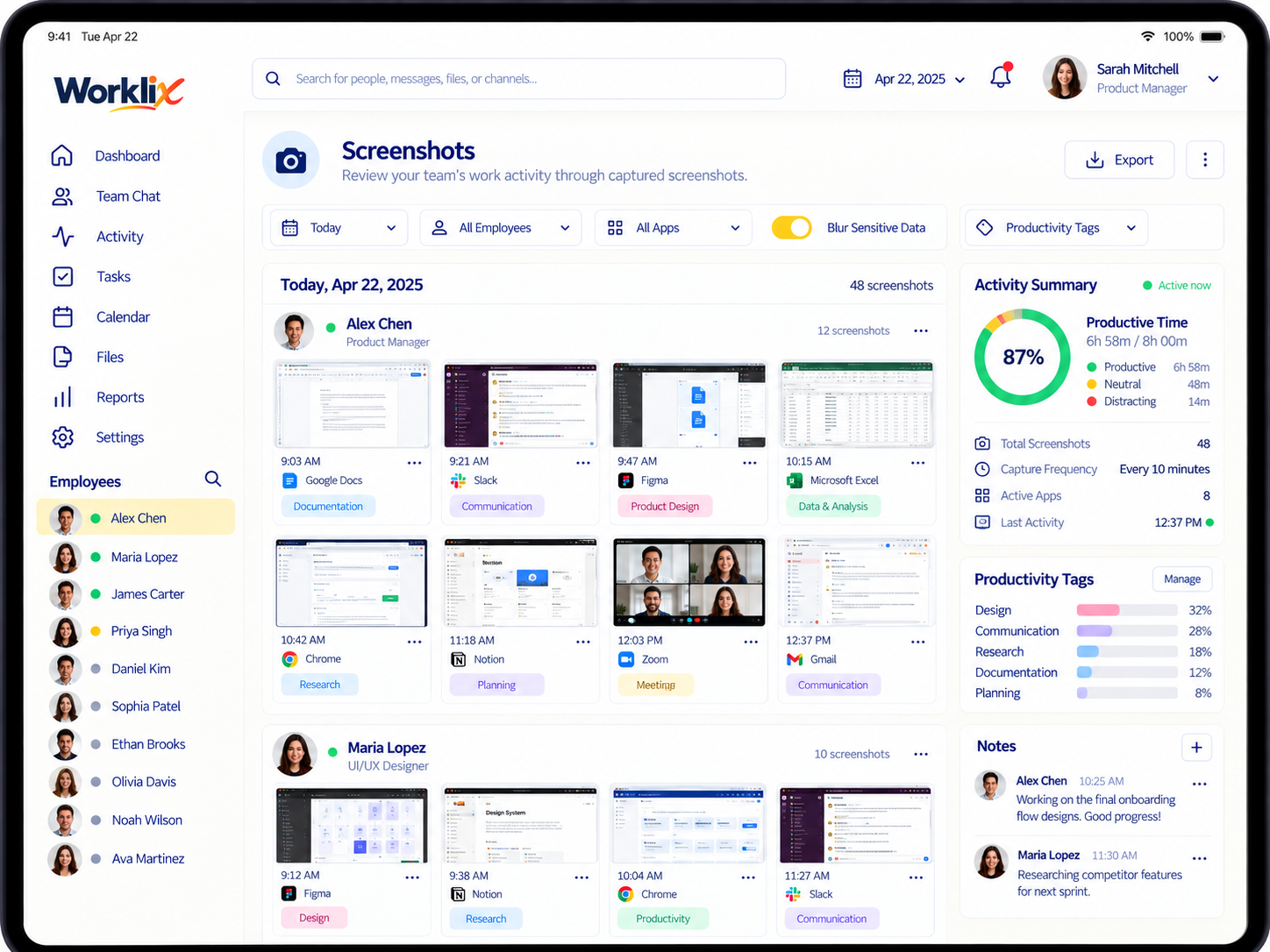
Screenshot settings now make capture expectations and privacy boundaries easier to configure for different teams and work types.
More details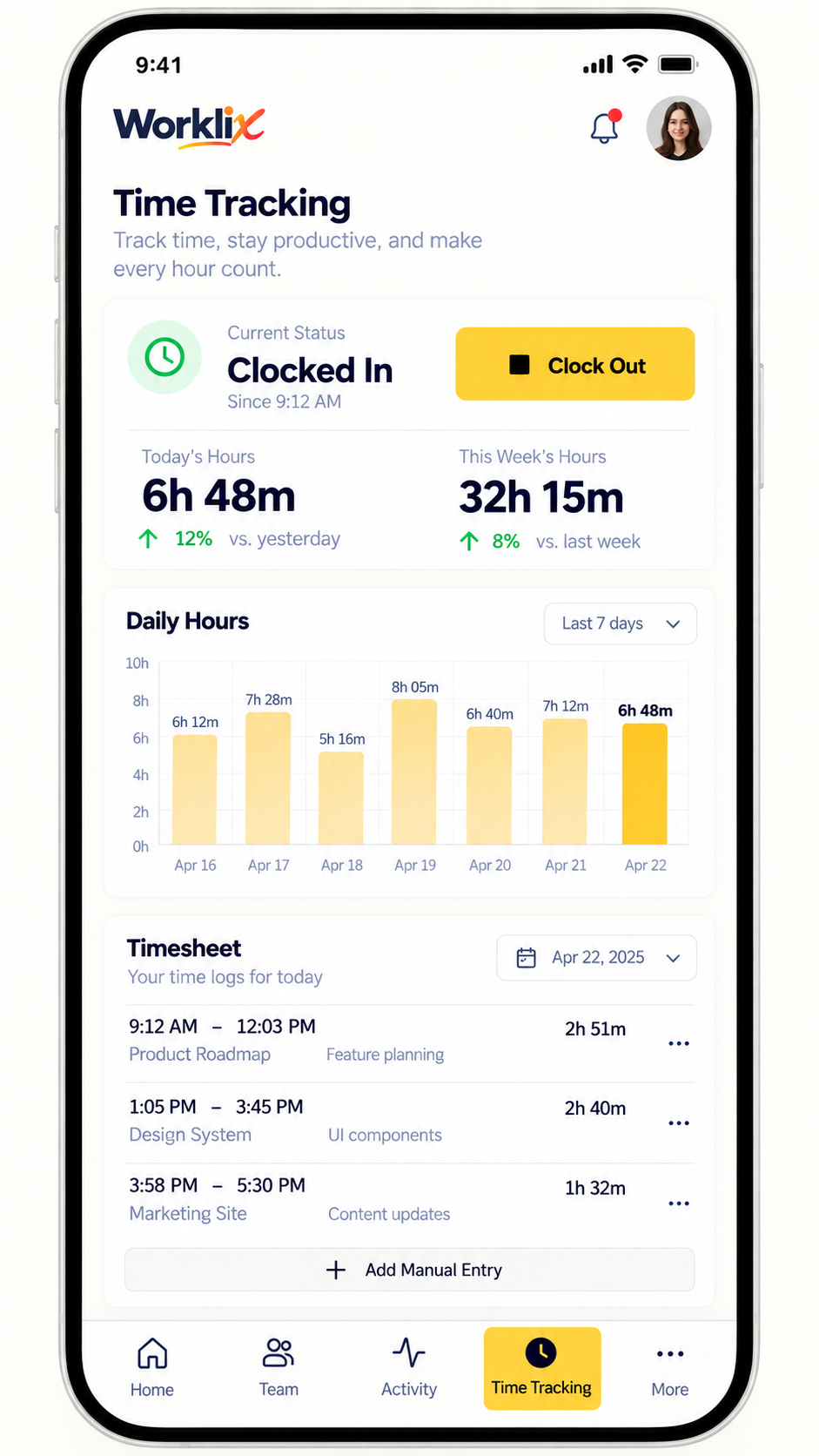
Project time now carries more context into team reviews, helping managers connect hours to delivery work without reading activity in isolation.
More details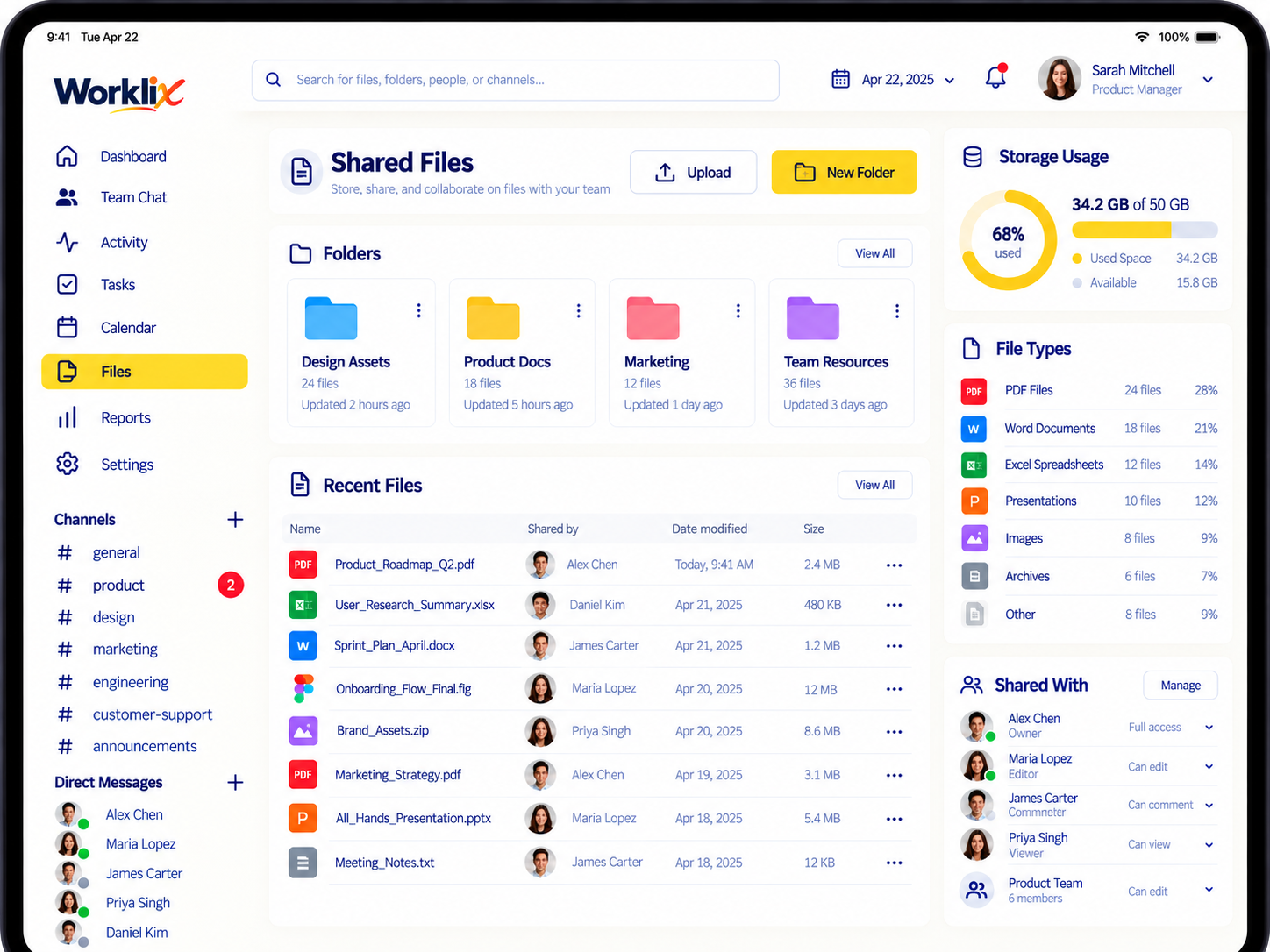
Recent shared files and conversation context are easier to follow, reducing the time teams spend looking for the right attachment.
More details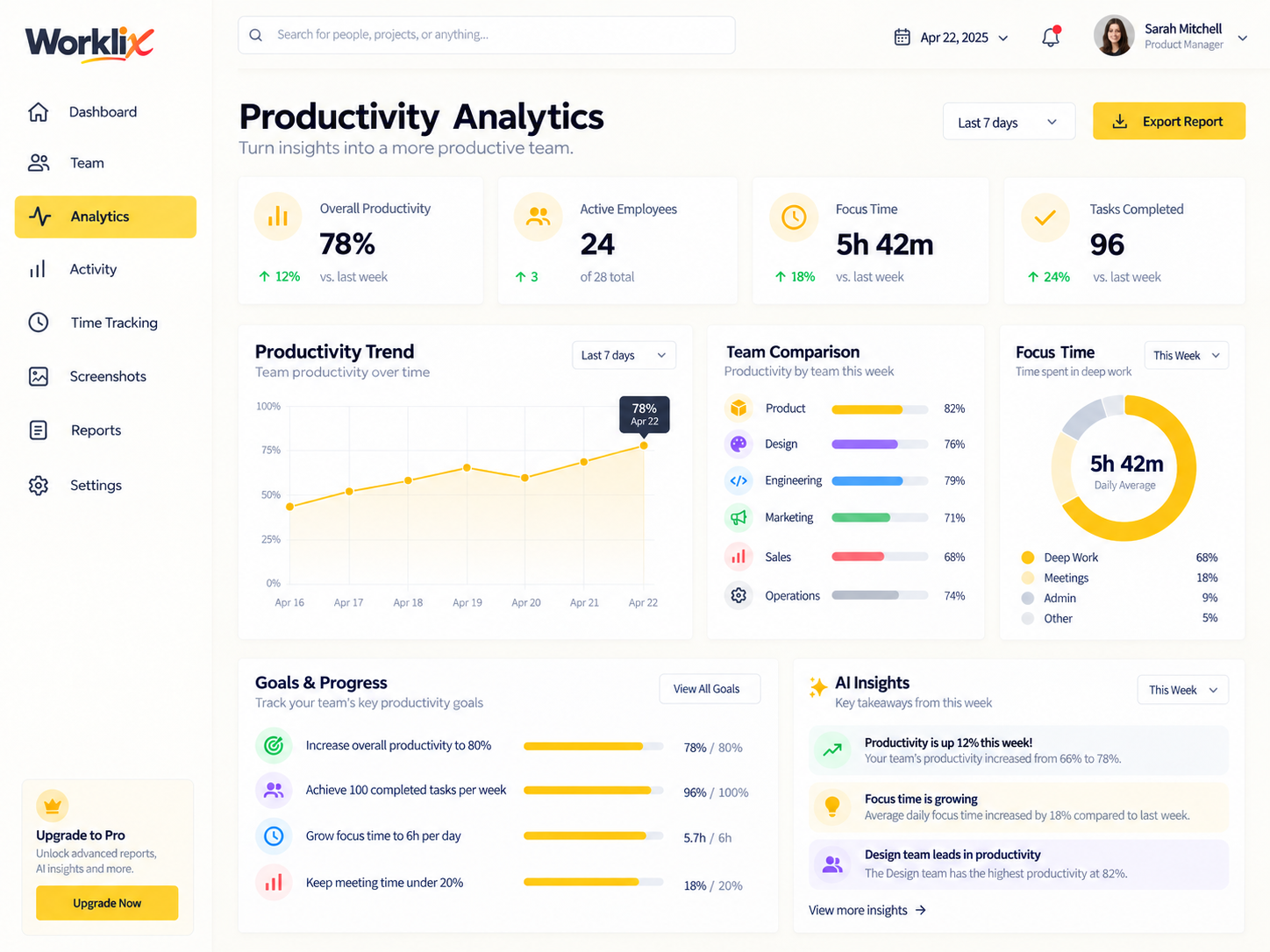
Productivity summaries now separate focus signals from raw activity more clearly, making team reviews easier to interpret alongside role and workload context.
More detailsRoadmap items show product direction and may change as we test, learn and prioritize customer needs.
Create repeatable workforce reports with saved fields, filters and sharing options.
Broader endpoints and clearer developer workflows for workforce data and project automation.
More ways for managers to review attendance exceptions and schedule context from mobile.
Follow product changes, practical guidance and support resources from the same Worklix ecosystem.
Step-by-step setup, rollout and operational guides for administrators and managers.
Browse GuidesFind detailed answers for tracking, attendance, reports, collaboration and account setup.
Visit Help CenterHave an idea that would make Worklix better for your team? Send it directly to us.
Request a FeatureExplore the product, start free or talk with Worklix about the workflows your team needs to run.