
What changed in this update
Access controls are easier to review by responsibility, helping teams keep workforce visibility limited to the managers who actually need it.
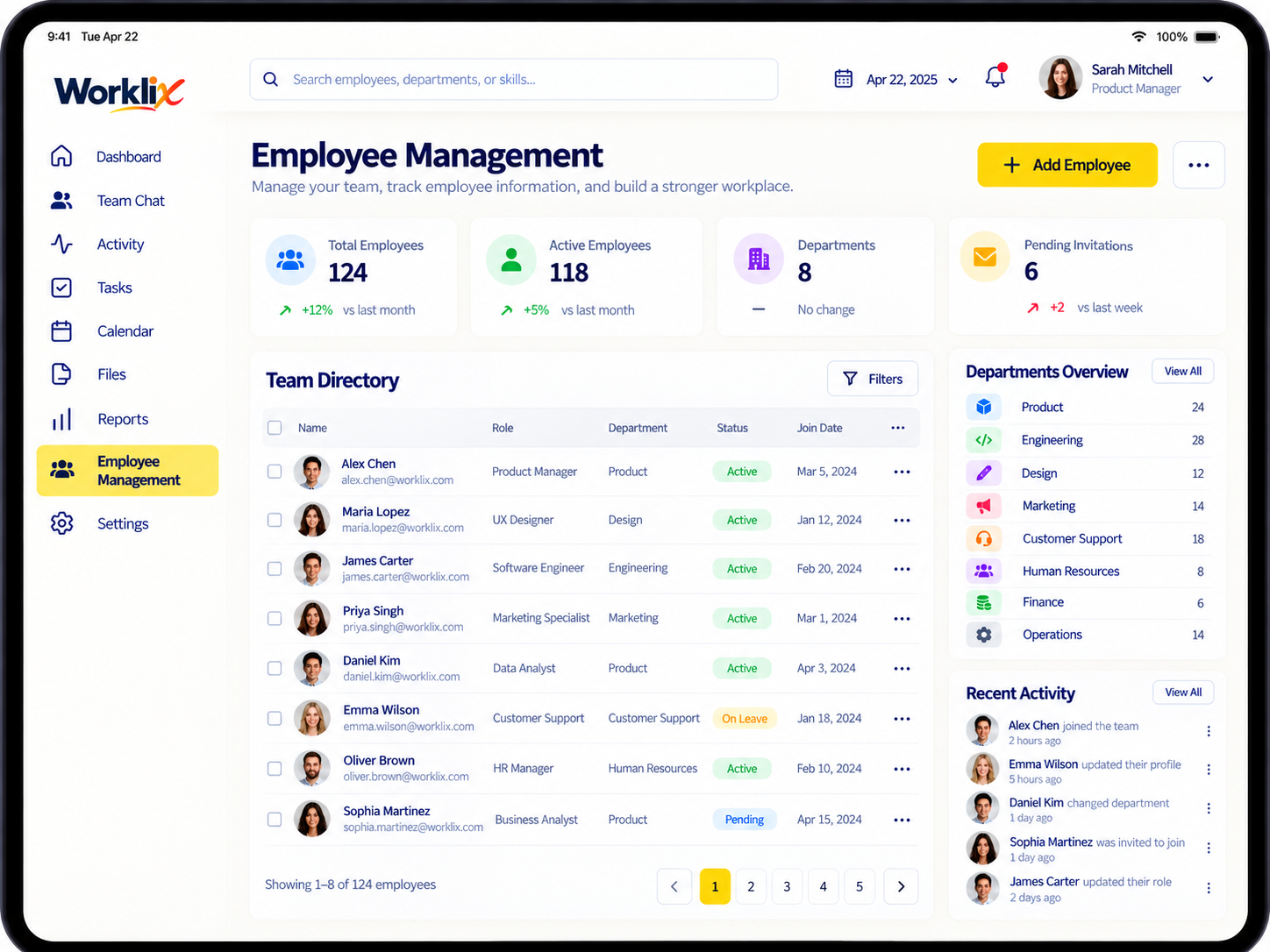
What’s new
This release focuses on making the workflow easier to understand and faster to review without adding another disconnected process.
- Role-level access
- Manager boundaries
- Review visibility
- Safer admin handoff
How the workflow changes
The updated experience keeps related context closer together so managers can review the signal, understand what happened and move to the next action with less switching.
- Open the relevant Worklix area.
- Review the updated context before making a decision.
- Use roles and permissions to keep visibility appropriate.
- Confirm the result in the same workflow whenever a review or correction is required.
Who will notice the change
The update is most relevant to admins, managers and team leads who work with this part of Worklix regularly. Employees may notice the change when it affects a shared workflow or review step.
- Workspace owners and admins
- Managers responsible for day-to-day review
- Team leads working with operational context
- Employees when the workflow includes a shared action
Rollout notes
The update is designed to fit existing Worklix workflows. Teams should still review their own policies, roles and internal communication before changing a process for employees.
- No separate add-on workflow is required.
- Existing access rules should be reviewed before broadening visibility.
- Communicate material workflow changes to affected employees.
- Use the Help Center for setup and troubleshooting detail.
Where to go next
Use the related product and support resources below when you need implementation detail beyond the release note.
- Review the Permissions area in Worklix.
- Visit the Help Center for step-by-step guidance.
- Use Worklix Guides for rollout and deployment workflows.
- Contact Worklix if your setup needs a more specific review.