Time & attendance
Compare expected hours, tracked time, late starts, absences and overtime in the same period.
Review attendance →New Worklix brings monitoring, time tracking and collaboration into one workforce platform.
See pricing
Reports are most useful when managers can move from a high-level trend into the employee, department, project or activity behind it. Worklix keeps those signals connected instead of splitting them across separate exports.
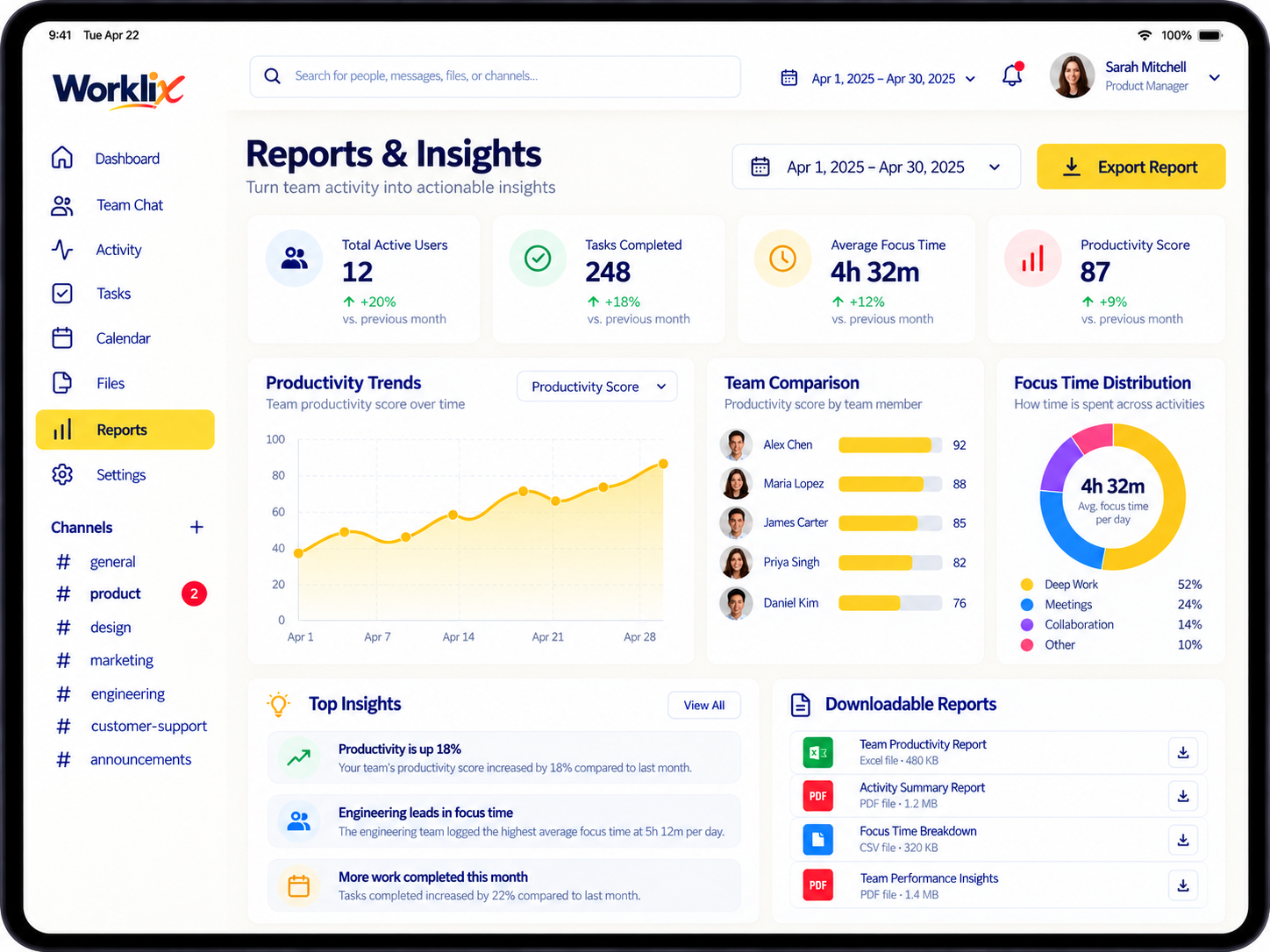
Use a focused report for each decision instead of forcing every team into the same scorecard.
Compare expected hours, tracked time, late starts, absences and overtime in the same period.
Review attendance →Follow productive, neutral and idle time across days or teams without reducing performance to one number.
Explore productivity →See which tools absorb work time and apply role-aware productivity categories before comparing teams.
Review app usage →Connect tracked hours with projects and tasks so delivery, utilization and billing reviews use the same source.
Explore project time →DeskTime emphasizes team and period filtering, Insightful focuses on sustained productivity movement, and Teramind supports drill-down BI views. Worklix follows the same useful principle: start broad, compare like-for-like periods, then open the underlying work context before acting.
Start with today, this week or a custom range that matches the decision you are making.
Narrow the view by employee, department, project or relevant activity context.
Look for movement across time rather than judging one day in isolation.
Review the underlying record before a manager follows up or changes a workflow.
Reporting should support payroll, billing, operational reviews and management conversations without giving every viewer the same level of access. Keep exports tied to role permissions and the purpose of the review.
Keep reporting practical by choosing the right scope, comparison period and access level for each review.
Worklix reporting brings together tracked time, attendance, productivity, apps and websites, projects, employees and departments so managers can review connected workforce context.
Yes. Report views are designed around time ranges and workforce scope so managers can compare the right employees, departments or operating periods.
Worklix supports export-ready reporting workflows for operational review, payroll, billing and downstream analysis while access remains aligned with roles and permissions.
No. Productivity is more useful when it is read beside schedule, workload, tools and work context rather than treated as a standalone judgment.
Bring workforce reporting into the same Worklix workspace as time, attendance, productivity and team operations.