Track Time
Capture work sessions, breaks and daily totals without juggling spreadsheets.
Explore time trackingNew Worklix brings monitoring, time tracking and collaboration into one workforce platform.
See pricing
Go beyond time tracking with integrated employee monitoring, workforce analytics, attendance management and built-in team collaboration.

Worklix replaces scattered monitoring, attendance, reporting and communication tools with a single operational view built for modern teams.
Capture work sessions, breaks and daily totals without juggling spreadsheets.
Explore time trackingUnderstand activity patterns, focus time and app usage with practical context.
View analyticsOrganize people, departments, roles, permissions and devices in one workspace.
Manage teamsBring chat, calls, files and screen sharing closer to daily workforce operations.
See collaborationSee activity, apps, websites and work patterns in one focused view so managers can understand the day, review trends faster and guide teams without chasing updates across different tools.
Follow active time, idle time and daily work sessions in one readable timeline so managers can understand when work starts, where time moves and how the day is actually structured.
Read More →Understand which tools and websites support focused work across each team, spot distractions faster and keep software usage aligned with the way work should move.
Compare activity patterns without turning the dashboard into noise, making it easier to review trends, coach teams and improve output with clearer daily visibility.

Track presence, breaks, late arrivals and working hours from one operational view.
Capture clock-ins, focused work, breaks and clock-outs without rebuilding the workday by hand.

Keep start times, breaks and daily status tied to one employee timeline.
Review activity, screenshots, productivity signals and team communication in one practical workspace so managers can understand the workday without switching between disconnected tools.
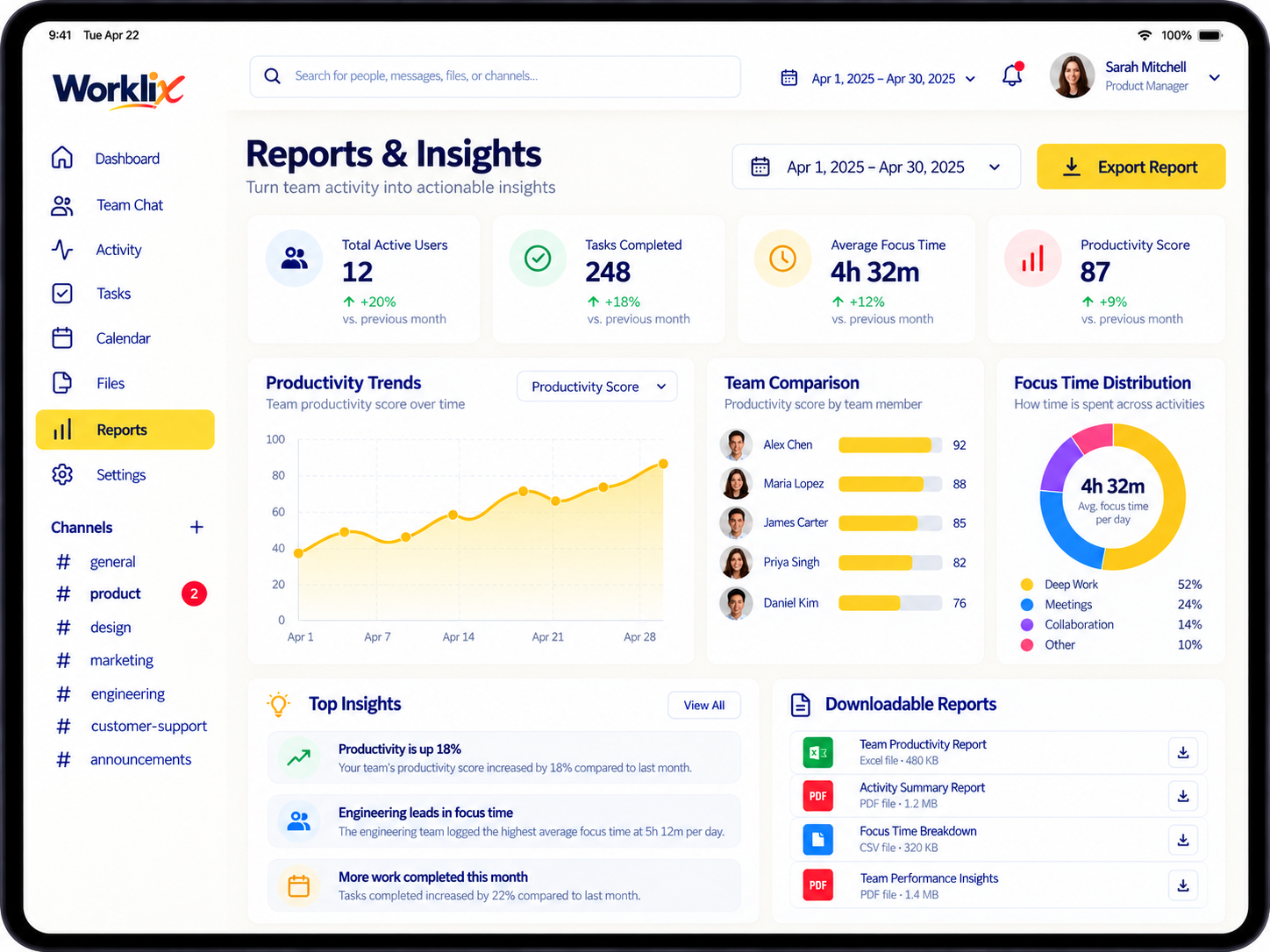
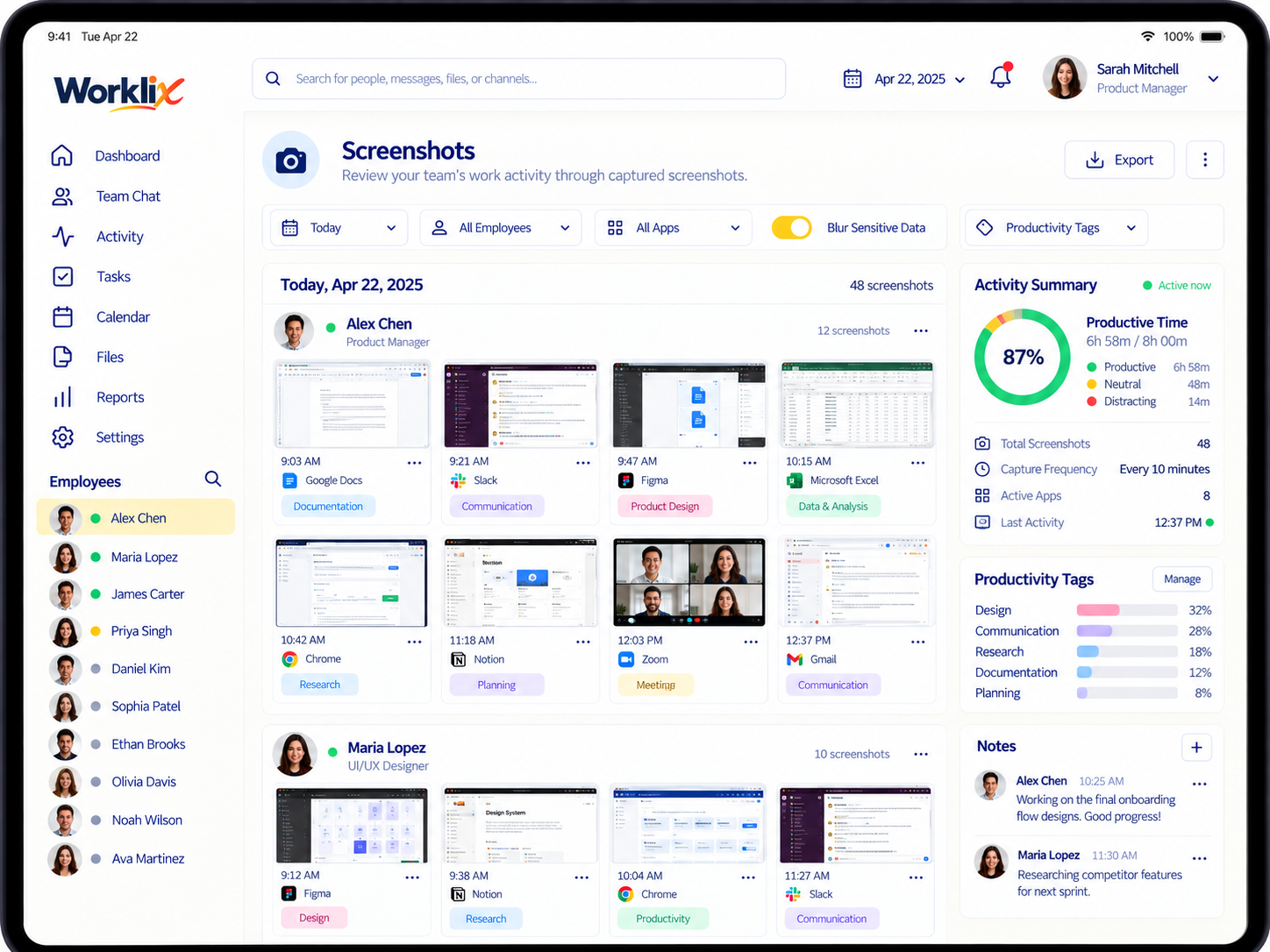
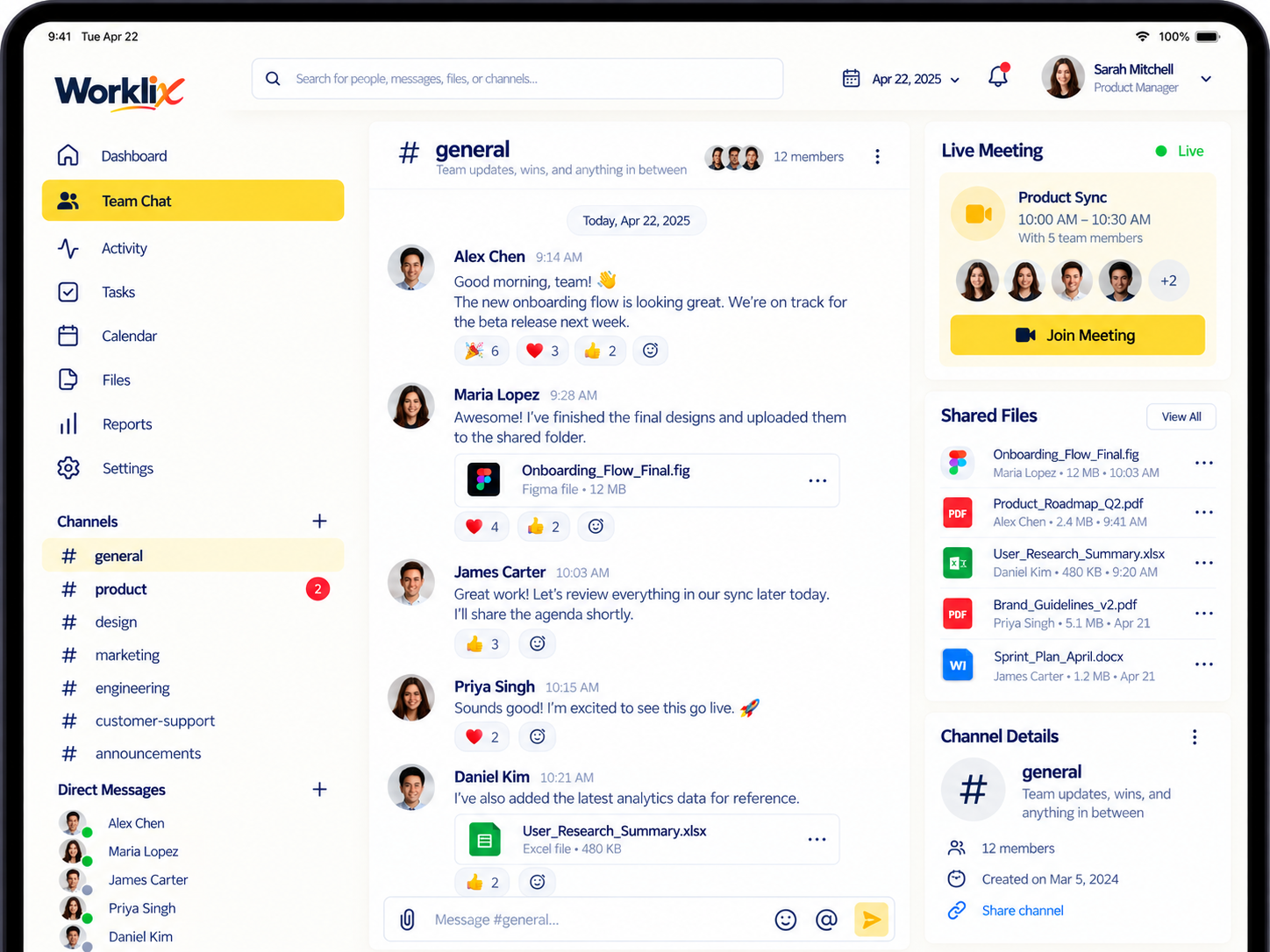
Quick answers about monitoring, time tracking, privacy, communication and growing your workspace.
Worklix brings time, activity signals, screenshots, app and website usage, attendance and productivity reporting into one workspace according to the controls your organization enables.
Yes. Teams can use the same time, attendance, monitoring and communication workflows across remote, hybrid and office environments.
Workspace roles and permissions let organizations separate access for owners, administrators, managers and employees so people only see the tools and information relevant to their responsibilities.
Worklix connects workforce operations with team chat, calls, files and screen sharing so daily communication stays closer to the work being managed.
Yes. Teams can begin with core workforce tools and expand into deeper monitoring, analytics, device controls and enterprise features as requirements grow.
Start with the essentials and move into deeper monitoring and controls when your operations need more context.
Core time, attendance and workforce visibility for teams building a clearer daily workflow.
Deeper monitoring and productivity context for teams that need stronger operational visibility.

Monthly prices are shown per month. Choose Yearly to view the full 12-month total.
Worklix helps managers connect time, attendance, activity and communication without adding another disconnected workflow.
“We can review time, activity and daily context without asking the team to update three different tools. That makes follow-up much faster.”

“Attendance and productivity reporting feel more connected now. We spend less time piecing together records before a weekly review.”

“Weekly reviews are easier because the records already carry enough context to understand what changed before we start the conversation.”

“We can review time, activity and daily context without asking the team to update three different tools. That makes follow-up much faster.”
“Attendance and productivity reporting feel more connected now. We spend less time piecing together records before a weekly review.”
“Weekly reviews are easier because the records already carry enough context to understand what changed before we start the conversation.”
“The biggest improvement is visibility without losing the communication side. Managers can see what happened and discuss it in the same workflow.”
“Worklix gives the team one place to understand work patterns, share updates and keep files close to the conversation.”

“Worklix gives us a clearer view of the workday without making managers jump between separate monitoring and communication tools.”
“The biggest improvement is visibility without losing the communication side. Managers can see what happened and discuss it in the same workflow.”
“Worklix gives the team one place to understand work patterns, share updates and keep files close to the conversation.”
“Worklix gives us a clearer view of the workday without making managers jump between separate monitoring and communication tools.”
Start with time, monitoring, analytics and team communication in a workspace designed around the way modern teams actually operate.